Reader-supported — as an Amazon Associate we earn from qualifying purchases when you buy through our links, at no extra cost to you.
Landlord-Safe Buying Guide

Best Renter-Friendly Smart Locks

The August Wi-Fi Smart Lock (4th Gen) is our top pick — it bolts onto your existing deadbolt in about ten minutes, keeps your original key, and needs zero landlord approval.

Updated August 2026 5 picks compared
★ Best Overall · Best for Renters
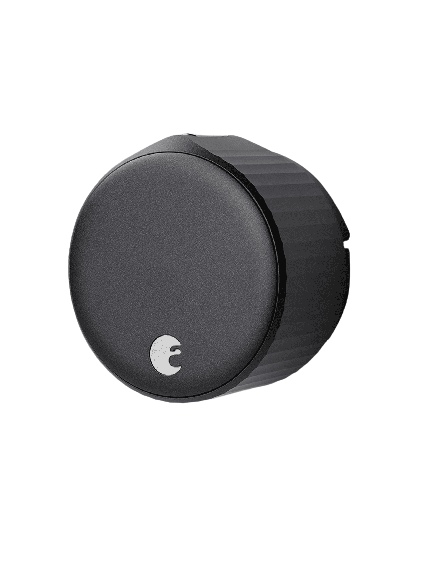
August Wi-Fi Smart Lock (4th Gen)
August
Wi-Fi Smart Lock (4th Gen)
The retrofit lock that just works — keep your key, keep your landlord happy.

August's 4th-gen lock clamps onto the inside of your existing deadbolt, so nothing about your door changes for the landlord and your old key still works. It's the easiest, most reliable way to make a rental smart.

  • Bolts onto your existing deadbolt in about 10 minutes with just a screwdriver
  • Keep your original keys and restore the door at move-out
  • Wi-Fi is built in — no separate bridge to buy
  • Auto-lock, auto-unlock, and share timed guest keys from the app
  • Runs on CR123A batteries you'll swap every few months
  • No built-in keypad — add the August Smart Keypad for codes
Check Price on Amazon
Opens Amazon in a new tab
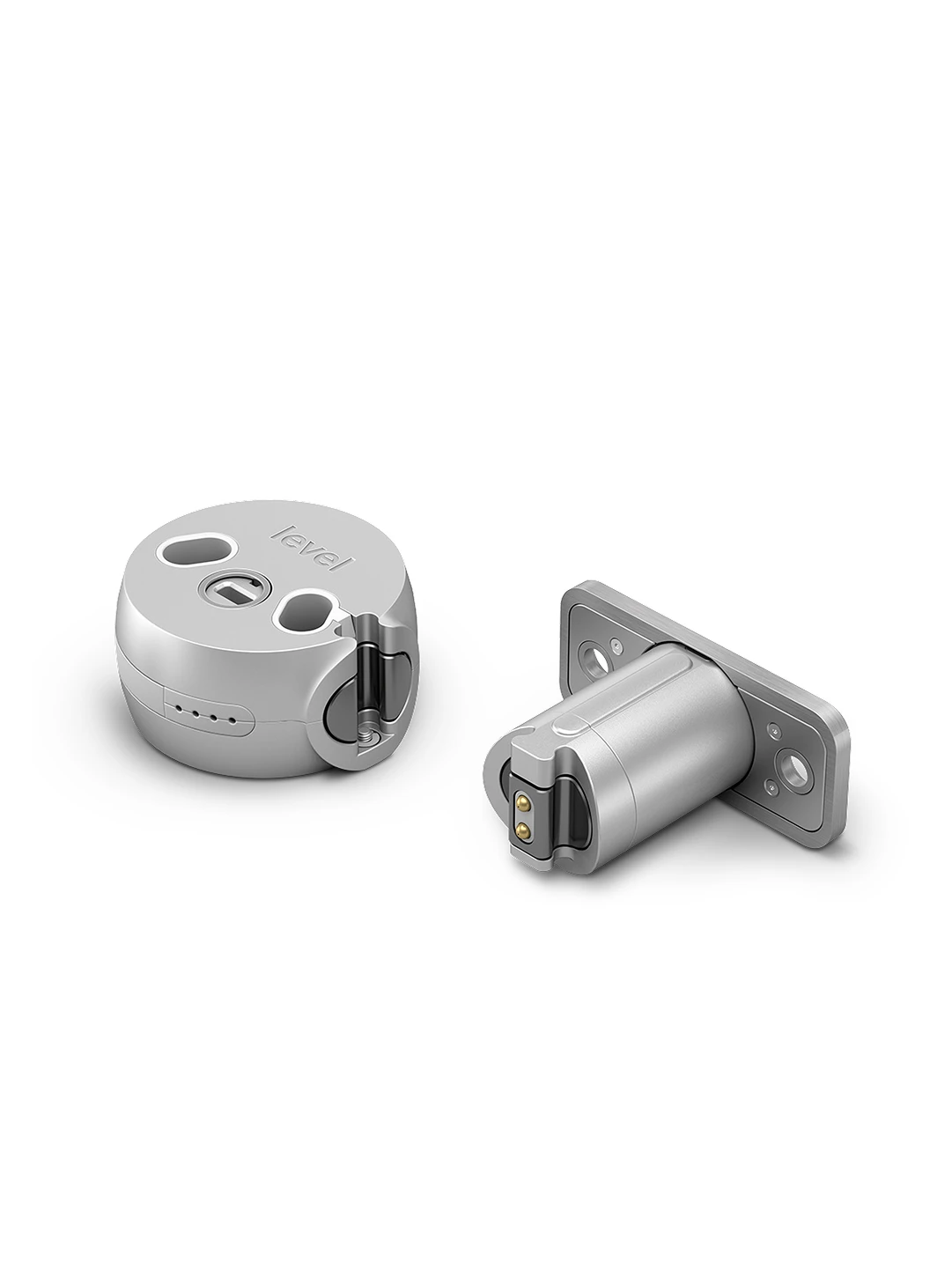
Best Hidden Install
Level Bolt (Matter)
Level
Bolt (Matter)
Goes completely invisible — no one can tell your door is smart.

The Level Bolt hides entirely inside your door, swapping only the interior deadbolt guts while your exterior hardware and keys stay exactly the same. Perfect if you want zero visible change and a clean reversal when you move out.

  • Totally hidden — the outside of your door looks untouched
  • Keep your existing keys and handle set
  • A single CR2 battery lasts about a year
  • Reverses cleanly at move-out — just reinstall the original bolt
  • Needs the Level app or a Matter hub for remote and voice control
  • You remove the deadbolt to install, so it's a bit more involved
Check Price on Amazon
Opens Amazon in a new tab
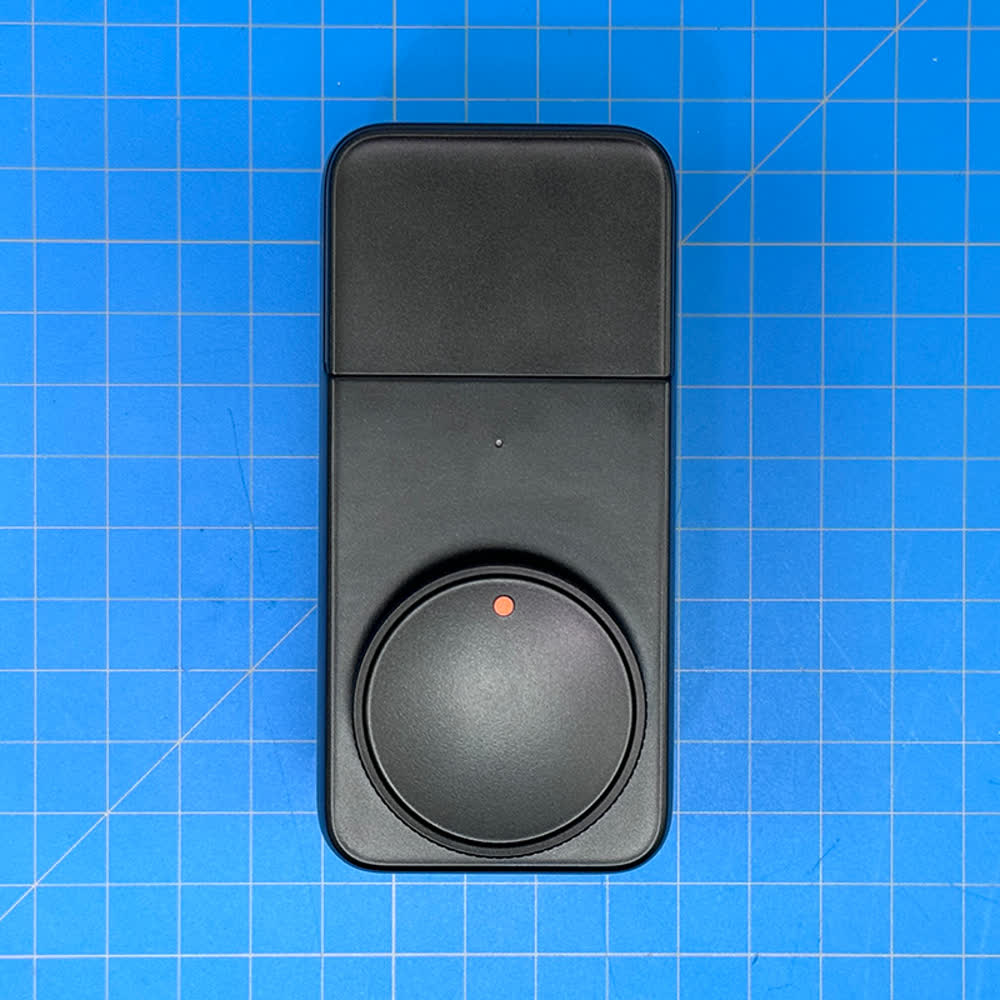
No-Subscription Pick
SwitchBot Lock Pro
SwitchBot
Lock Pro
Sticks on in five minutes — the no-drill, no-commitment pick.

The Lock Pro mounts over your thumb-turn with strong adhesive (a bolt-on plate is included too), so there's nothing to drill and nothing to explain to a landlord. Add the SwitchBot Hub for Wi-Fi, Matter and voice — with no monthly fee either way.

  • Adhesive install in about five minutes, fully reversible
  • No subscription for any core feature
  • Add a keypad or hub for codes, Wi-Fi and Matter
  • Strong, fast motor turns even a stiff deadbolt
  • Bluetooth-only until you add the Hub (sold separately)
  • The interior housing is chunkier than August or Level
Check Price on Amazon
Opens Amazon in a new tab
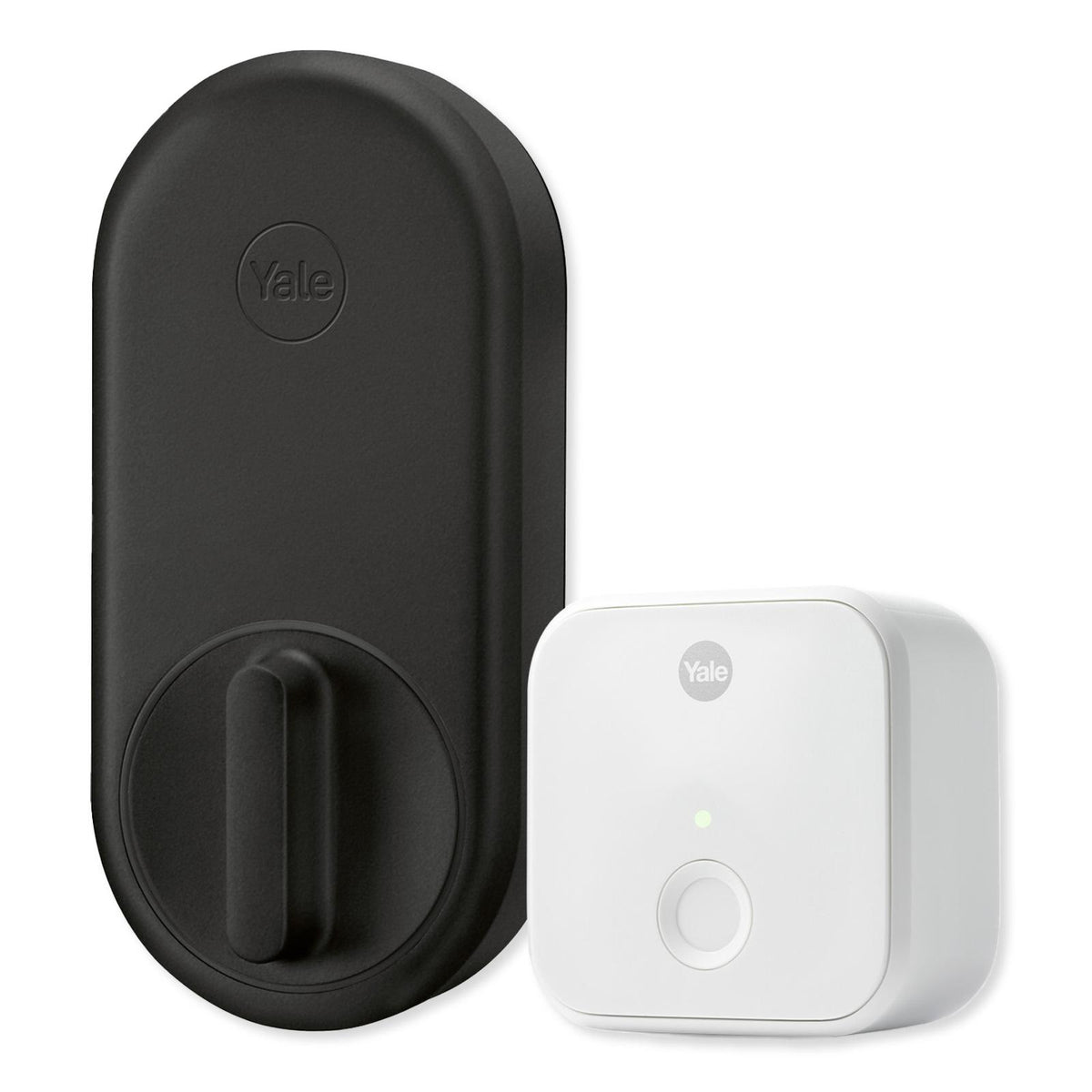
Best for Roommates
Yale Approach
Yale
Approach
A trusted lock name in retrofit form, with easy code sharing.

Yale's first retrofit lock installs over your existing deadbolt and keeps your keys, then pairs with the optional Yale Keypad so roommates and guests can use a code instead of a key. Built-in Wi-Fi means there's no extra bridge to buy.

  • Keeps your keys and installs in about 10 minutes
  • Built-in Wi-Fi with remote control and unlimited virtual keys
  • Optional stick-on keypad for keypad codes
  • Well-known brand with a polished app and support
  • The keypad is a separate purchase
  • Larger interior body than the August
Check Price on Amazon
Opens Amazon in a new tab
Best Budget
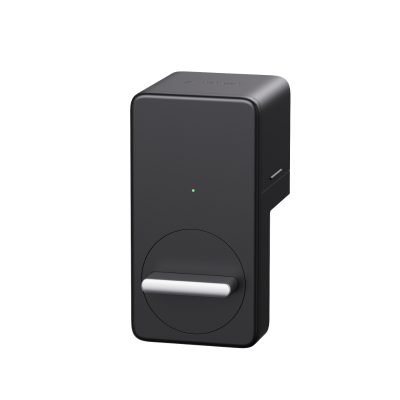
SwitchBot Smart Lock
SwitchBot
Smart Lock
The cheapest real retrofit — smart access on a starter budget.

The original SwitchBot Lock does the core job — lock and unlock from your phone over your existing deadbolt with an adhesive install — for the least money in the category. Add the Wi-Fi Hub later if you want remote control.

  • Lowest price of any true retrofit lock here
  • No-drill adhesive install, fully reversible
  • Long battery life on swappable CR123A cells
  • Upgrade to Wi-Fi or Matter later with a Hub
  • Bluetooth-only out of the box (Hub sold separately)
  • No keypad included
Check Price on Amazon
Opens Amazon in a new tab

Compare all 5

Swipe on mobile →
Product Best for InstallConnectivity Price ($–$$$$)
August Wi-Fi Smart Lock (4th Gen) Most renters Over existing deadbolt, ~10 minBuilt-in Wi-Fi + Bluetooth $$$ Check price →
Level Bolt (Matter) Invisible install Hidden inside the doorBluetooth + Matter over Thread $$$$ Check price →
SwitchBot Lock Pro Smart-home renters Adhesive, no drill, ~5 minBluetooth (add Hub for Wi-Fi/Matter) $$$ Check price →
Yale Approach Roommates & guests Over existing deadbolt, ~10 minBuilt-in Wi-Fi + Bluetooth $$$ Check price →
SwitchBot Smart Lock Tight budgets Adhesive, no drillBluetooth (add Hub for Wi-Fi/Matter) $$$ Check price →

How to choose

Before you buy

01 · Confirm it's a retrofit, not a replacement

Renter-friendly locks mount on the inside, over your existing deadbolt, so the outside of the door and your keys never change — and your landlord never has to approve a swap. Skip the full-replacement locks with exterior keypads; those require removing your building's hardware.

02 · Measure and photograph your deadbolt

Most retrofit locks fit a standard single-cylinder deadbolt with an interior thumb-turn. Before you buy, snap a photo of that thumb-turn and check your deadbolt brand against the maker's compatibility list so you know it'll grip and turn properly.

03 · Think about install and move-out

Adhesive-mount locks like SwitchBot peel off cleanly, while screw-on locks like August and Yale reuse your existing deadbolt screws with no new holes. Either way, keep the original parts in a drawer so you can restore the door in minutes when your lease ends.

04 · Know how it connects — and what it costs to run

Some locks have Wi-Fi built in (August, Yale) for remote control out of the box; others are Bluetooth until you add a hub (SwitchBot) or use Matter (Level). None of these charge a subscription for core locking, so budget for a one-time hub if you need one, not a monthly fee.

Browse by room & need

More honest picks