01 · In a small place, the desk is furniture — it's seen from everywhere
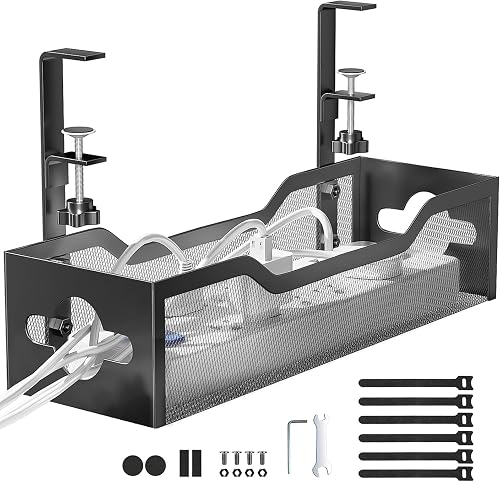
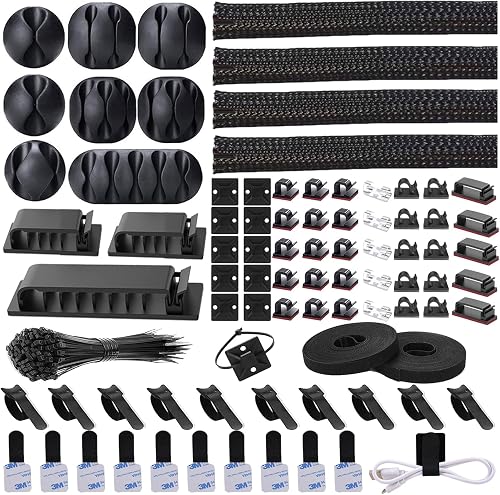
In a house the office has a door. In an apartment, condo or townhome the desk is usually visible from the couch or the bed, which means a cable nest isn't just untidy, it's untidy in your living room. That's why cable management punches above its weight here and barely registers in a bigger place.
02 · Arm beats riser, if your desk allows it
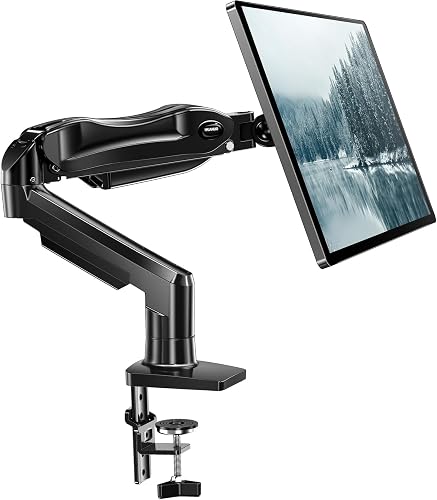
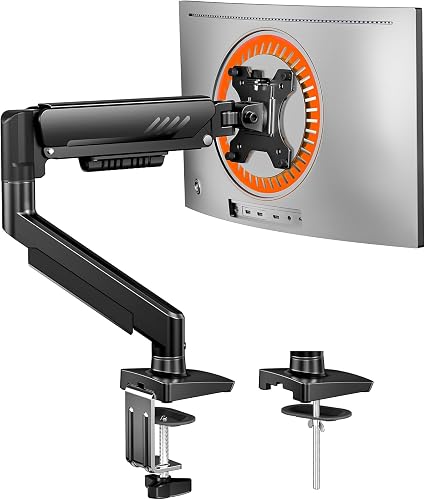
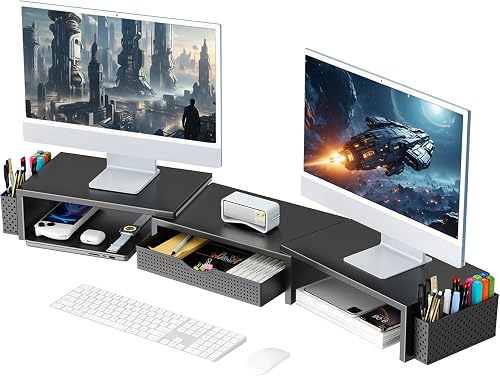
A monitor arm removes the base entirely. A riser just lifts it and keeps the footprint. Arms win on space every time — but they need a clampable edge, so glass tops, very thick edges and built-in surfaces push you to a riser instead. Measure your edge before ordering.
03 · Check VESA before you buy an arm
Monitor arms attach to a VESA mount pattern, usually 75x75mm or 100x100mm, on the back of the screen. Most monitors have it; some cheap and some very slim ones do not. Look at the back of yours, or check the spec sheet, before the arm arrives.
04 · Nothing here drills into anything
Every pick clamps, adheres or sits. That's deliberate — a lease or an HOA usually has something to say about holes in walls and built-ins, and none of these give them a reason to. It also means the whole setup comes apart and moves with you.
05 · Start with the monitor, then cables, then the laptop
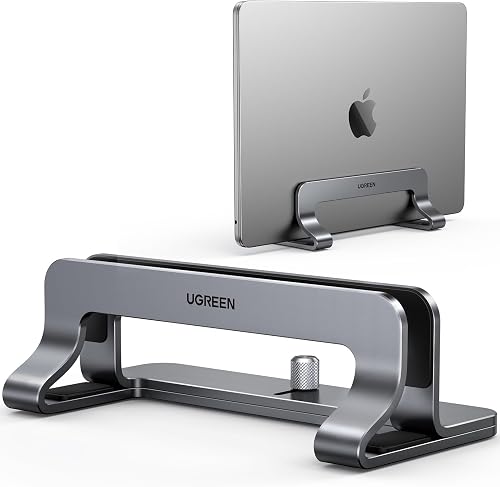
In that order. The monitor base is the single biggest thing you'll reclaim, cables are the cheapest visual improvement, and standing the laptop up is the last few inches. If you only buy one thing on this page, buy the arm.