★ Best Overall · Best for Renters
Kasa (TP-Link)
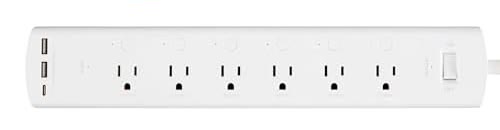
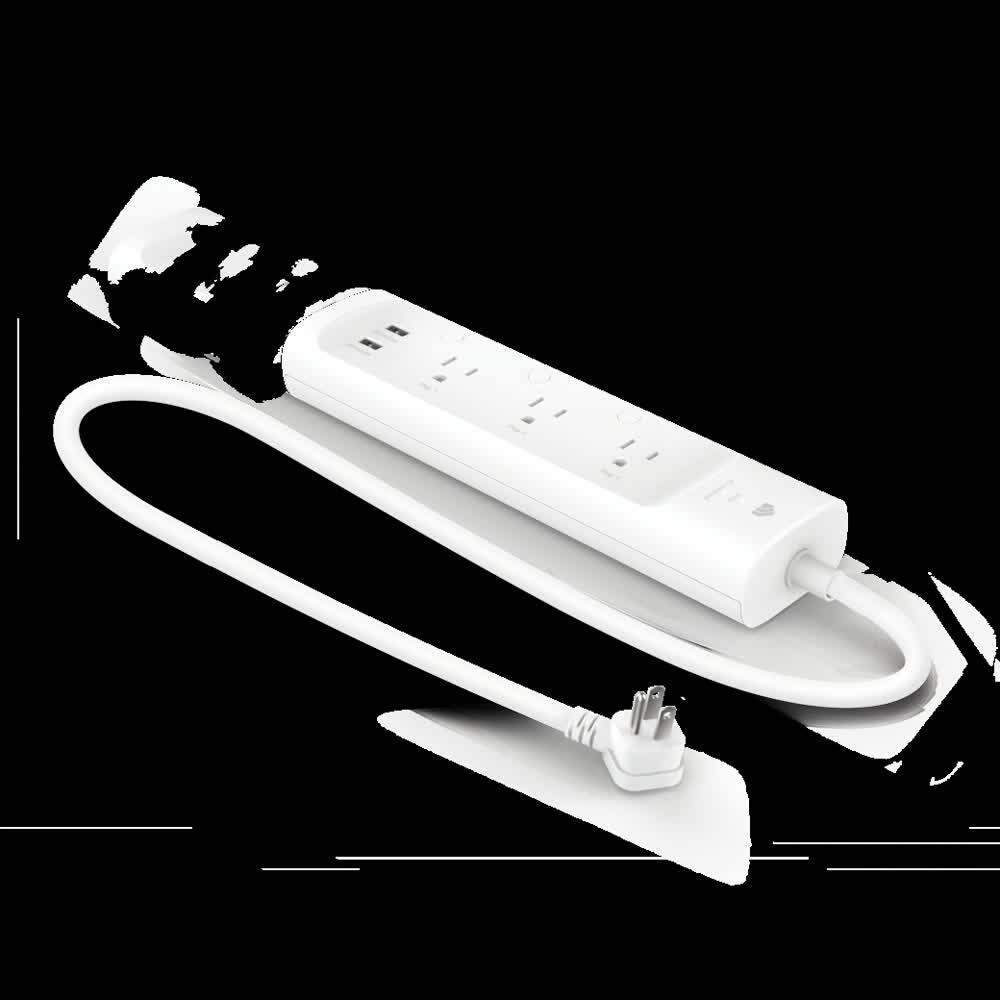
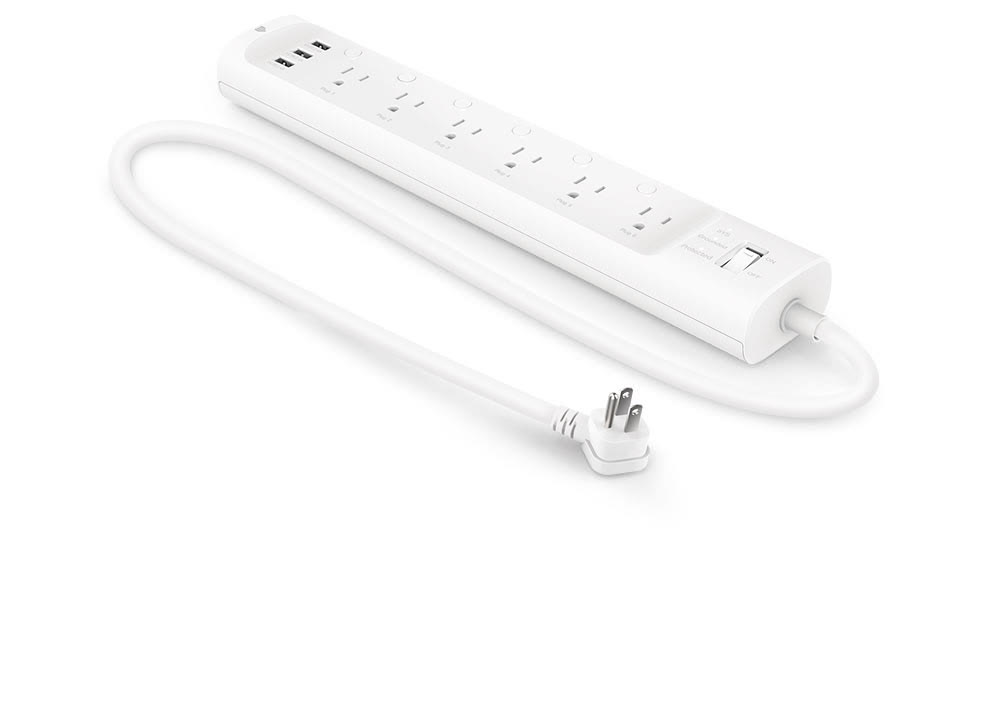
HS300 Smart Power Strip
Six outlets you can name and control one by one — plus real energy tracking.
Sits behind your desk or TV and lets you flip any single plug from your phone or voice, so you can kill the TV's standby drain without unplugging anything. No hub and no subscription — it runs on your existing WiFi and packs up in a drawer when you move.
- 6 outlets you control separately
- 3 USB-A ports for phones and tablets
- Tracks energy use per outlet
- No hub or subscription — just WiFi
- Bigger footprint than a basic strip
- 2.4GHz WiFi only
Check Price on Amazon
Opens Amazon in a new tab