★ Best Overall · Best for Renters
Amazon
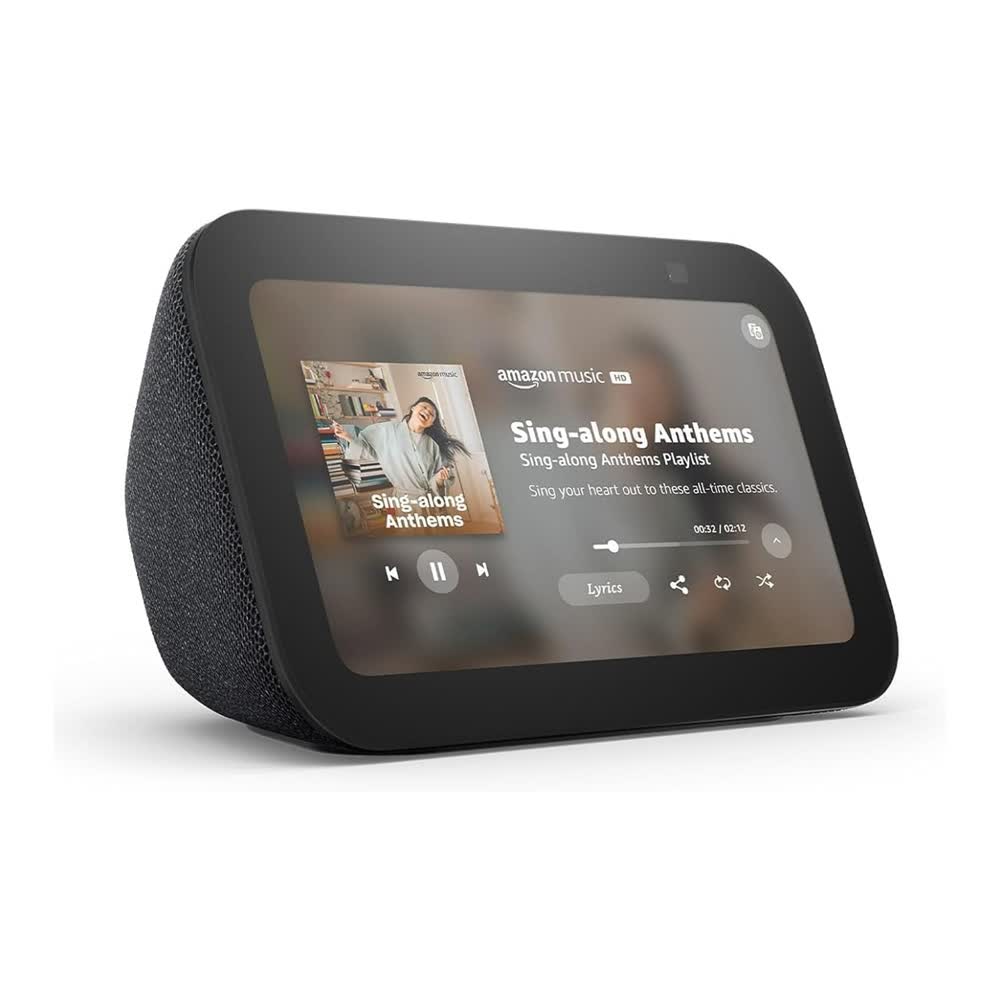
Echo Show 5 (3rd Gen)
A tiny 5.5-inch screen that runs your morning at a glance.
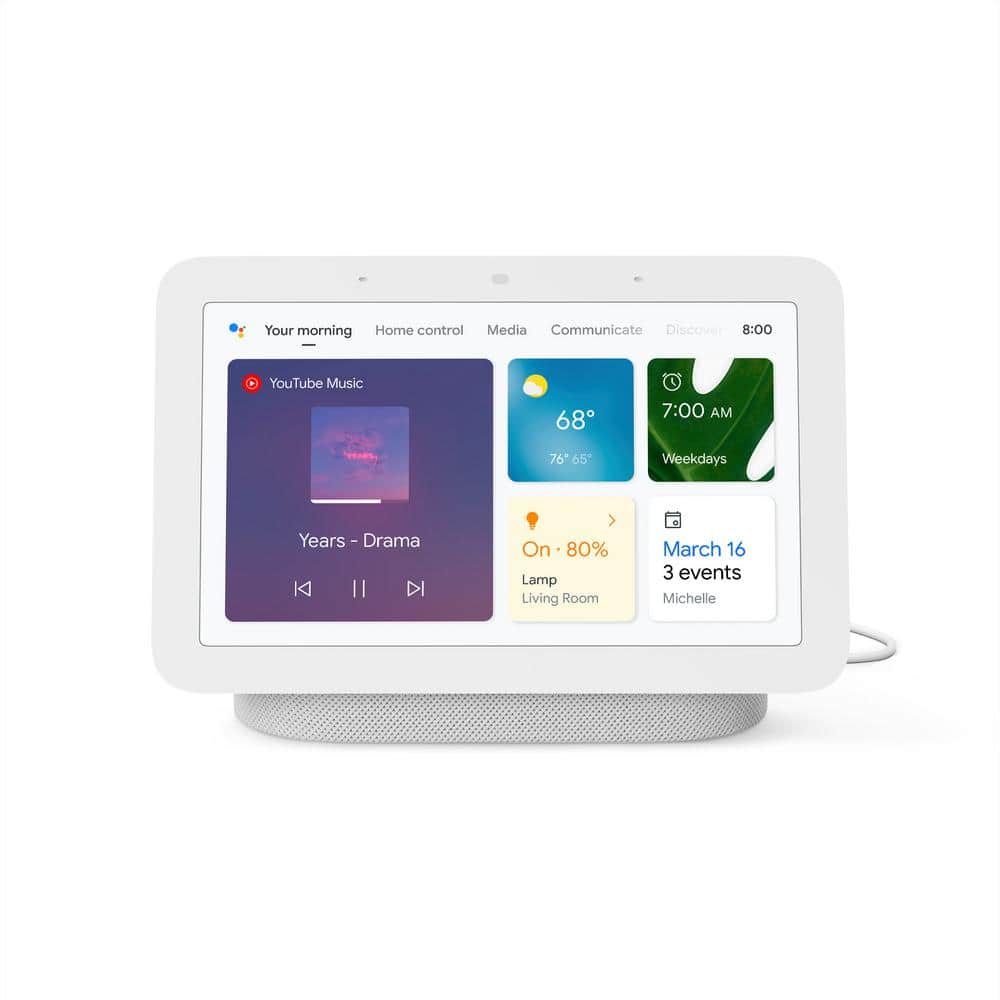
The Echo Show 5 sits on a nightstand or kitchen counter and shows your alarm, weather, calendar, and timers without you lifting a finger — then handles video calls and controls your lights by voice. It's the closest thing to a real command center that still fits a small apartment.
- Screen shows the time, weather, and reminders at a glance
- Doubles as a smart alarm clock and video-call screen
- Built-in Matter hub connects lights and plugs with no extra box
- Camera shutter and mic-off button for privacy
- Sound is fine for a bedroom, not a party
- Some newer Alexa+ features may sit behind a subscription over time
Check Price on Amazon
Opens Amazon in a new tab