Reader-supported — as an Amazon Associate we earn from qualifying purchases when you buy through our links, at no extra cost to you.
Entertainment Buying Guide

Best Streaming Sticks for Your Apartment

For most renters, the Roku Streaming Stick Plus is the easy winner — it powers straight from your TV's USB port, hides completely behind the screen, and unplugs in seconds when it's time to move.

Updated August 2026 5 picks compared
★ Best Overall · Best for Renters
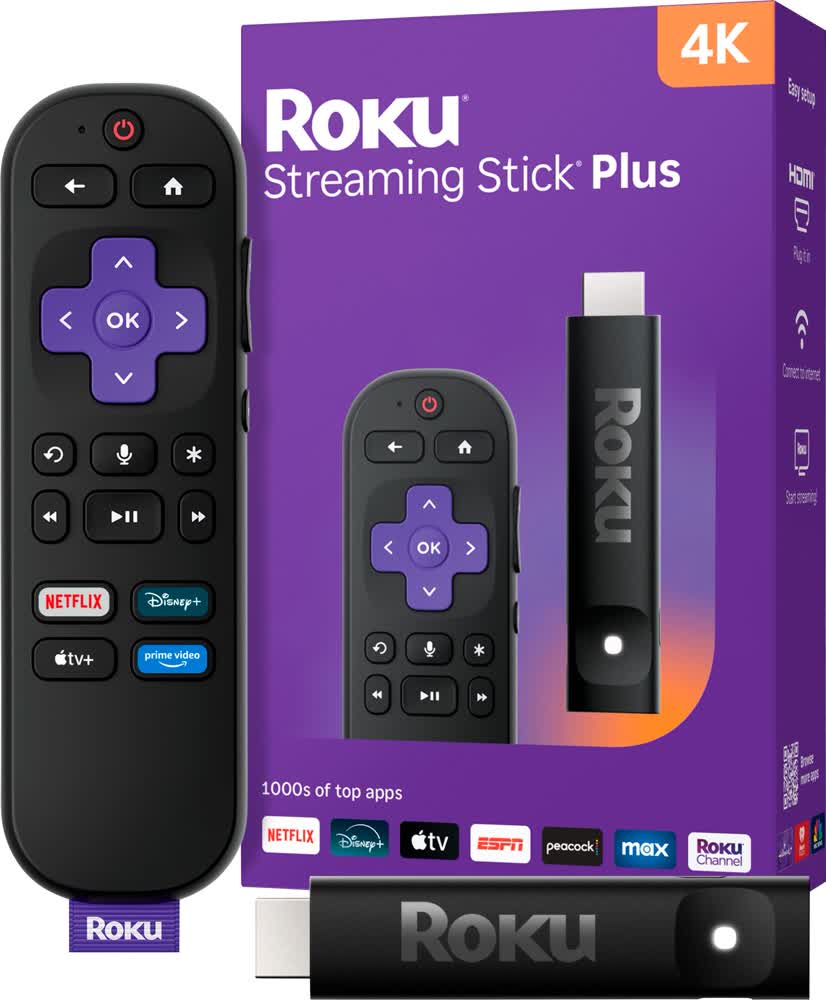
Roku Streaming Stick Plus (2025)
Roku
Streaming Stick Plus (2025)
Powers from your TV, hides behind it, and moves with you.

The most renter-friendly stick we found: it draws power straight from your TV's USB port, so there's no extra wall wart and one less cord to hide. It's tiny, dead-simple to set up, and unplugs in seconds on moving day.

  • Powers from the TV's USB port — no wall outlet needed
  • Over a third smaller than a Fire Stick; tucks fully behind the TV
  • Simple, login-optional Roku menu anyone can use
  • Voice remote with TV power and volume included
  • Home screen shows sponsored ad banners
  • HDR10+ only — no Dolby Vision
Check Price on Amazon
Opens Amazon in a new tab
Best for Speed
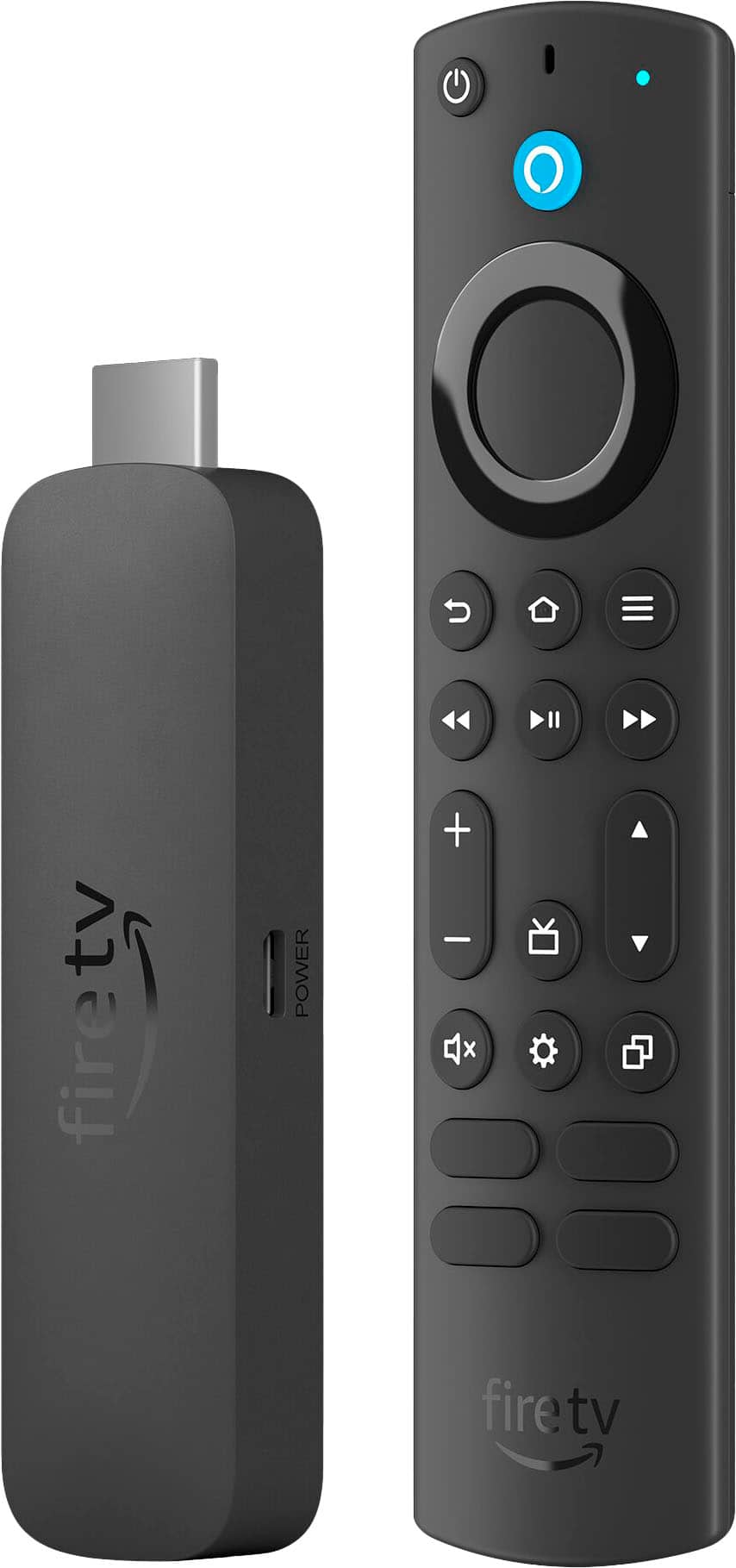
Amazon Fire TV Stick 4K Max
Amazon
Fire TV Stick 4K Max
The snappiest stick here, with Wi-Fi 6E for crowded apartment routers.

If your building's Wi-Fi is congested, the 4K Max's Wi-Fi 6E and quick processor keep menus and 4K playback smooth. It's the pick for Alexa households that want the fastest Fire experience.

  • Fastest menus and app launches in the Fire lineup
  • Wi-Fi 6E helps in apartments with many connected devices
  • 16GB storage for more apps and games
  • Alexa voice remote controls your TV too
  • Needs the included wall adapter — not TV USB power
  • Home screen pushes a lot of Amazon promos
Check Price on Amazon
Opens Amazon in a new tab
Best 4K Value
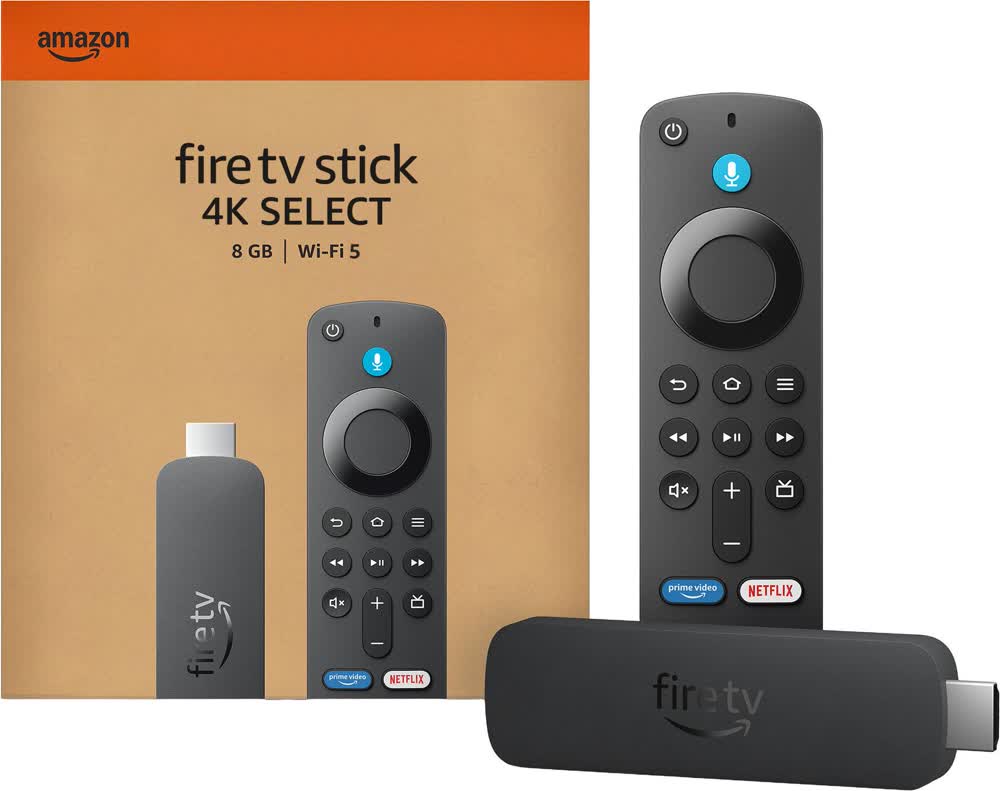
Amazon Fire TV Stick 4K Select
Amazon
Fire TV Stick 4K Select
Real 4K HDR on a stick for around forty bucks.

Amazon's newest budget 4K stick launches apps fast and covers the essentials — 4K, HDR10+, and the full Fire TV app library — without the Max's premium price. A safe, cheap first-apartment pick.

  • 4K HDR10+ picture at a budget price
  • Full Fire TV app selection and Alexa remote
  • Fast enough for everyday streaming
  • Frequently on sale below $30
  • No Dolby Vision or Wi-Fi 6E
  • Powers from the included adapter, not the TV
Check Price on Amazon
Opens Amazon in a new tab
Best Budget
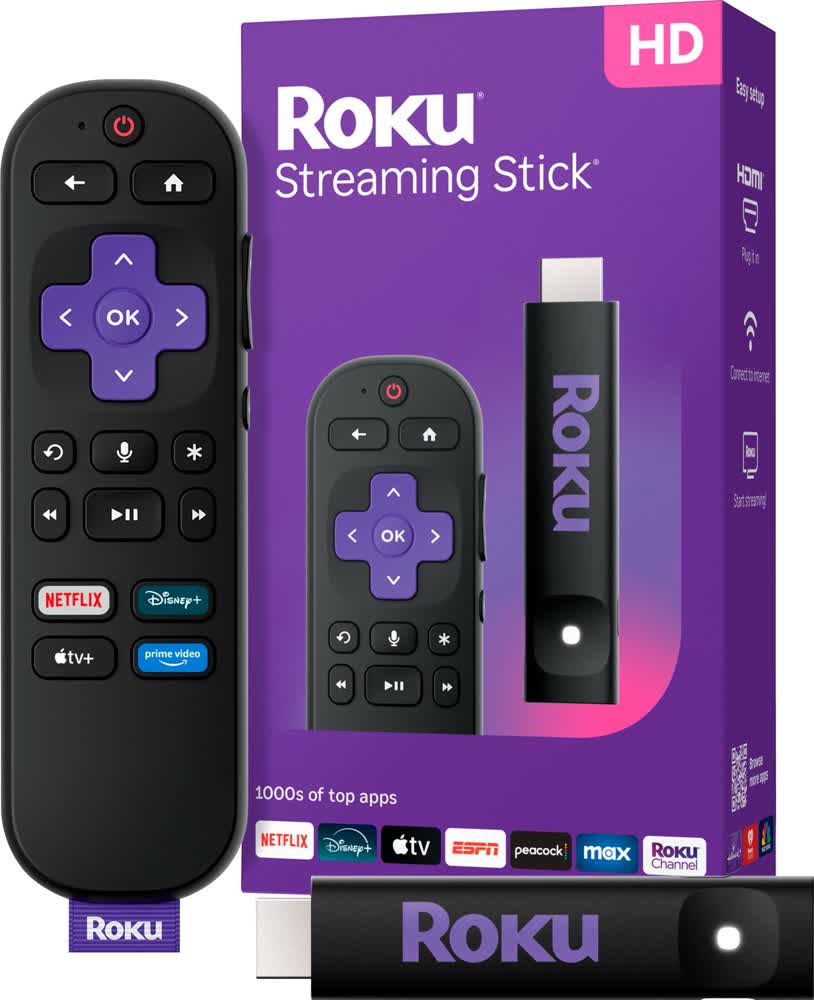
Roku Streaming Stick HD (2025)
Roku
Streaming Stick HD (2025)
The cheapest way to make an older apartment TV smart.

If your apartment TV is only 1080p — or you just want the simplest, lowest-cost option — this HD Roku stick does the job with the same easy menu and voice remote as the pricier models.

  • Lowest price of any pick here
  • Same simple Roku interface and voice remote
  • Compact and easy to pack for a move
  • Great match for a 1080p bedroom TV
  • HD only — skip it if you have a 4K TV
  • Ad banners on the home screen
Check Price on Amazon
Opens Amazon in a new tab
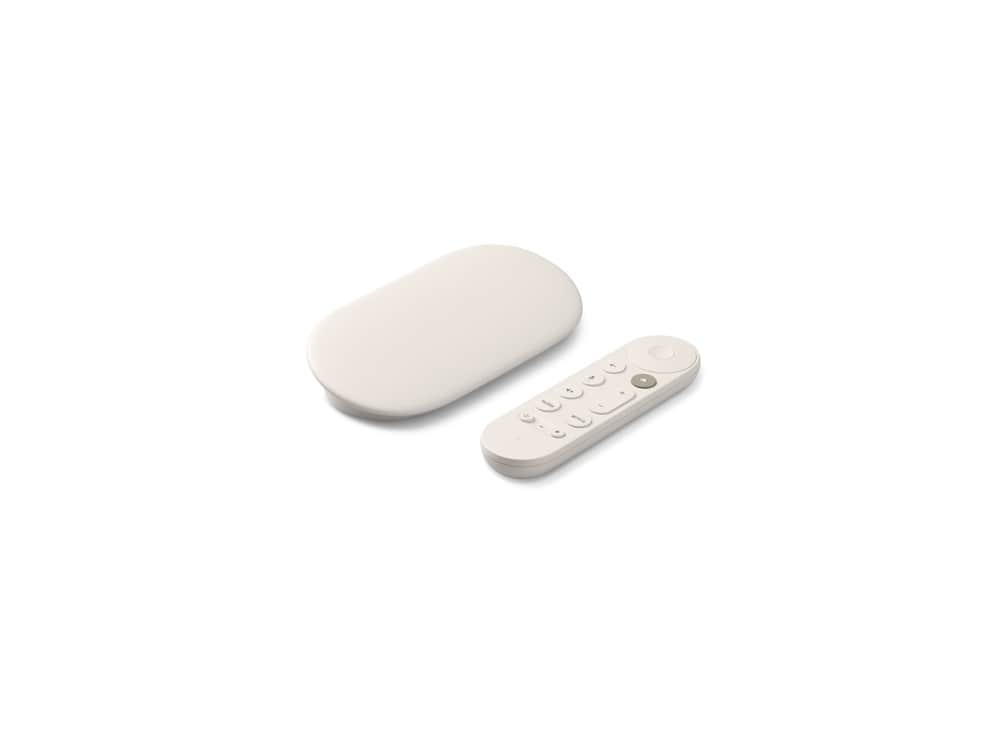
Best for Smart Home
Google TV Streamer (4K)
Google
TV Streamer (4K)
A streamer that doubles as a smart-home hub.

Not a stick but a small box, this is the pick if you live in Google's world or want a built-in smart-home hub for lights and cameras. It adds an Ethernet port and Gemini-powered search for renters who want more than basic streaming.

  • 4K Dolby Vision with a fast processor and 32GB storage
  • Doubles as a Matter/Thread smart-home hub
  • Ethernet port for rock-solid wired streaming
  • Polished Google Photos ambient screensavers
  • Costs about twice as much as the sticks
  • A box with a power brick — less discreet than a stick
Check Price on Amazon
Opens Amazon in a new tab

Compare all 5

Swipe on mobile →
Product Best for VideoPowers from Price ($–$$$$)
Roku Streaming Stick Plus (2025) Most renters 4K HDR10+TV's USB port $$ Check price →
Amazon Fire TV Stick 4K Max Power users 4K Dolby VisionIncluded adapter $$ Check price →
Amazon Fire TV Stick 4K Select Budget 4K 4K HDR10+Included adapter $$ Check price →
Roku Streaming Stick HD (2025) Tight budgets HD 1080pTV USB (or adapter) $$ Check price →
Google TV Streamer (4K) Smart-home hubs 4K Dolby VisionWall adapter $$$ Check price →

How to choose

Before you buy

01 · Match the stick to your TV

Only pay for 4K if your TV is actually 4K. On an older 1080p apartment or bedroom TV, an HD stick looks identical and costs less. If your TV is 4K, get a 4K stick so you're not leaving picture quality on the table.

02 · Check where it gets its power

Some sticks run off your TV's USB port, so there's no second wall plug and one less cord to hide — a small but real win in a tight rental. Others need the included wall adapter, which means an extra outlet behind the TV.

03 · Pick an ecosystem you'll actually use

Roku is the neutral, simplest menu and plays nicely with everyone. Fire TV makes the most sense if you already lean on Alexa and Prime Video. Google's Streamer fits if you're an Android and Google Photos household or want a smart-home hub.

04 · Think about moving day

All of these unplug in seconds, need no drilling or wall mounting, and slip into a drawer or a moving box. Keep the little box it came in and you can move it to your next place — or a hotel TV — in under a minute.

Browse by room & need

More honest picks