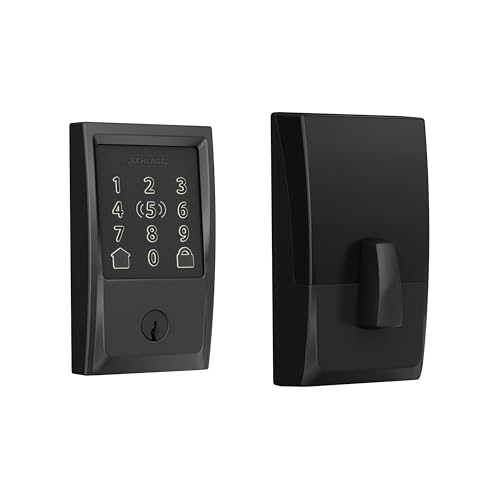
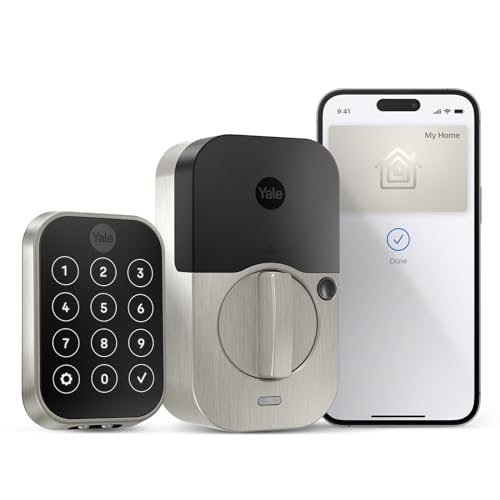
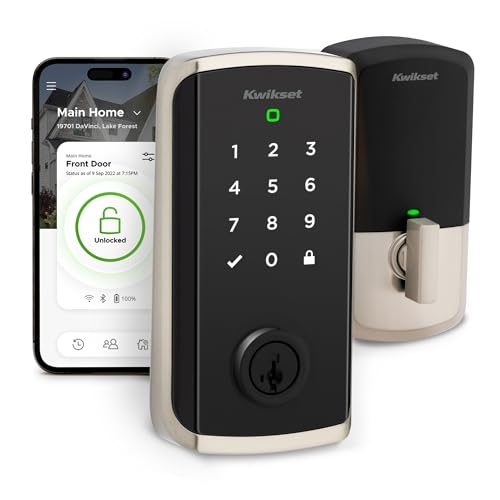
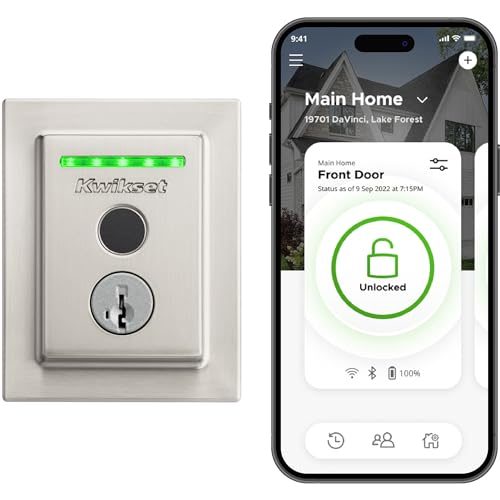
01 · Measure your door first — this is why these get returned
Three numbers decide whether a lock fits, and none of them are on the front of the box in big print. Backset is the distance from the door's edge to the center of the hole, and it is either 2 3/8 inches or 2 3/4 inches — most locks ship with an adjustable latch that does both, but confirm it. Door thickness needs to be roughly 1 3/8 to 1 3/4 inches; thicker custom doors need an extension kit. Cross-bore is the big hole itself, standard at 2 1/8 inches. Take five minutes with a tape measure before you order. Almost every one-star review that starts with "doesn't fit" is one of these three.
02 · The keyed-alike problem nobody warns you about
Here's the one that catches people the week after install. Your house probably has one key that opens the front door, the back door, and the garage entry. Replace one deadbolt and that stops being true — now you carry the old key for the other doors plus whatever the new lock came with. Kwikset's SmartKey re-keying is the fix: you can re-key the new lock to the key you already carry in about thirty seconds with the included tool, no locksmith. Schlage and Yale can be re-keyed too, but it takes a locksmith or a matching key kit. If you're only converting one of several doors, this single detail is worth more than any app feature on this page.
03 · Wi-Fi, Bluetooth, or Matter — what you actually need
Bluetooth-only locks talk to your phone when you're within a few feet. You get keyless entry and nothing else, batteries last a long time, and nothing is exposed to the internet. Wi-Fi adds the things people actually buy these for: lock it from work, check whether you locked it, let the dog walker in from across town, get a notification when a kid gets home. It costs battery life. Matter is not a third option so much as a compatibility promise — it means the lock should keep working if you move from Alexa to Apple Home or Google later. Be honest about whether you'll use remote access. If the answer is no, the Bluetooth pick saves money and battery.
04 · Plan for the batteries, because they will die
These run on AA batteries, and a Wi-Fi lock burns through them meaningfully faster than a Bluetooth one — figure several months rather than a year, faster in cold weather. Every lock here warns you well ahead, both in the app and with a beep or a light at the door, so being locked out is a choice rather than an accident. Still, know your fallback before you need it: most of these keep a physical keyway, and the ones that don't rely on you having a backup plan. Keep a spare key somewhere off the property, not under the mat. And put fresh batteries in on a schedule instead of waiting for the warning.
05 · Renting? Don't buy anything on this page
Every lock here replaces your deadbolt, which means drilling, new hardware, and a landlord conversation you probably don't want to have. Most leases prohibit changing locks outright, and the ones that don't usually require the landlord get a key. There's a whole separate category built for this — retrofit locks that mount on the inside over your existing deadbolt, leave the outside of the door completely untouched, and come off in ten minutes when you move. Nothing gets drilled and your key still works. See our renter-friendly smart locks guide instead.